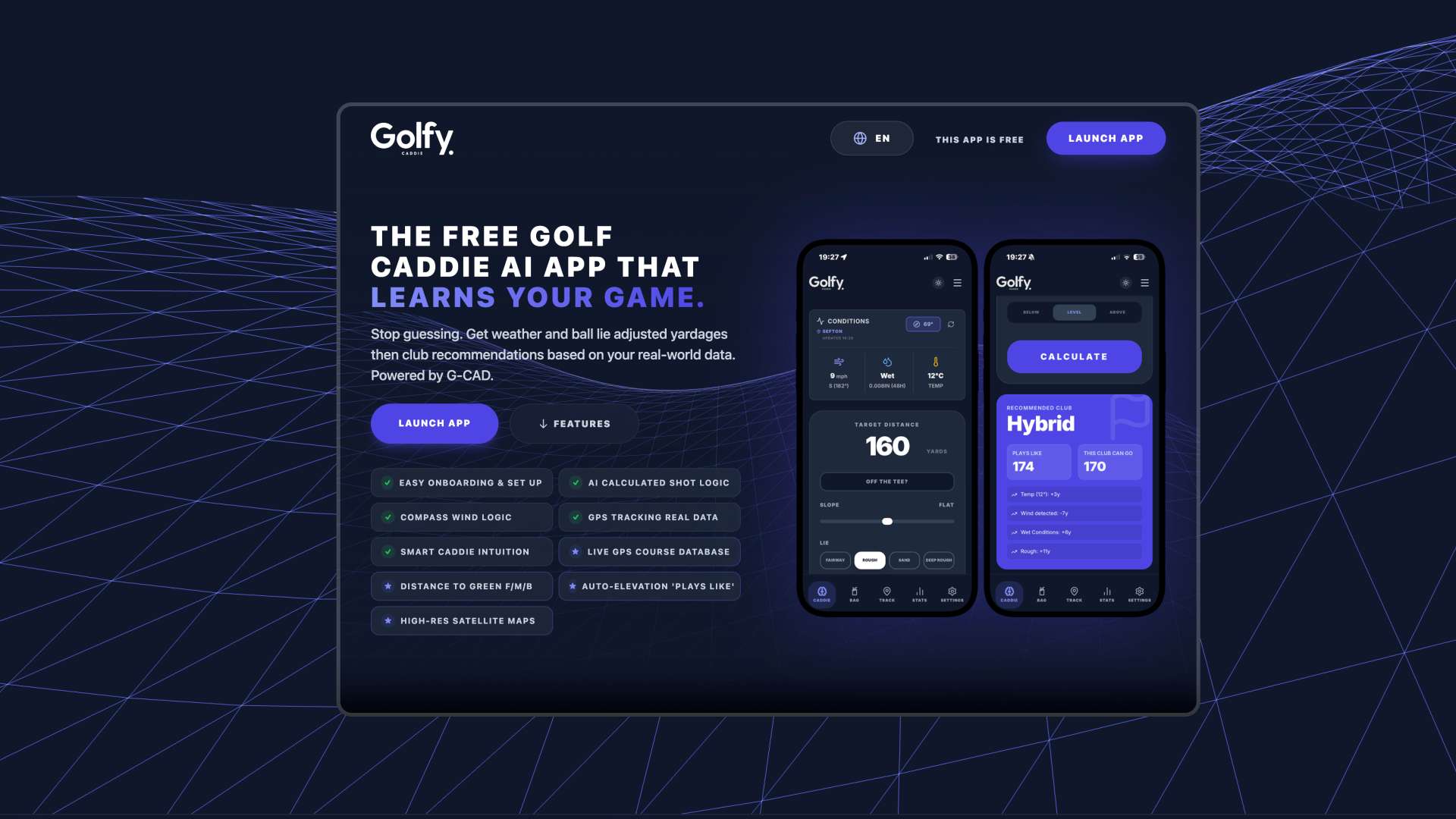
Alongside our core work designing bespoke WordPress websites for clients, we regularly build and test our own digital products in-house. Golfy Caddie is a GPS golf rangefinder and scorecard app created by our studio — and a great example of how we use AI as a practical assistant inside a real software build.
There is a lot of noise online suggesting AI can build complete products at the push of a button. Our experience in the studio is much more grounded: AI is brilliant at speeding up early prototyping and testing mathematical logic, but turning an idea into a reliable, secure product that works on a windy golf course still relies on experienced human design and development.
Designing a Clear Interface for Bright Sunlight on the Course
During a four-hour round of golf, players don’t want to squint at tiny menus or wait for slow screens between shots. Our design focus for Golfy Caddie started with practical on-course usability:
- Glanceable Yardages: Clear Front, Middle and Back green distances with strong contrast so numbers are easy to read in bright daylight.
- One-Handed Score Logging: Keeping score entry, putts and fairway tracking within easy thumb reach at the bottom of the screen.
- Clean Hole-by-Hole Flow: Moving smoothly from tee to green without unnecessary taps.
Where AI Helped Our Workflow — And Where Human Engineering Took Over
When building Golfy Caddie in React, TypeScript and Firebase, we used AI coding assistants (such as Claude Code) to speed up specific stages of our process — while our developers handled the architecture, security and polish:
| Stage of Build | How AI Assisted Our Process | What Required Experienced Human Engineering |
|---|---|---|
| Early Prototyping | Quickly scaffolding initial screen layouts & testing scorecard state logic | Refining the UI hierarchy, typography & thumb-zone ergonomics for real golfers |
| GPS Distance Maths | Iterating on Haversine distance formulas & club carry calculations | Filtering noisy mobile GPS readings & pausing sensors when the screen locks to save battery |
| Database & Security | Drafting initial data structures for courses and rounds | Writing strict Firebase authentication, security rules & offline data syncing |
| Production Release | Assisting with build script troubleshooting | Packaging, signing & releasing the native Android App Bundle for Google Play |
Handling Patchy Course Signal & Battery Life
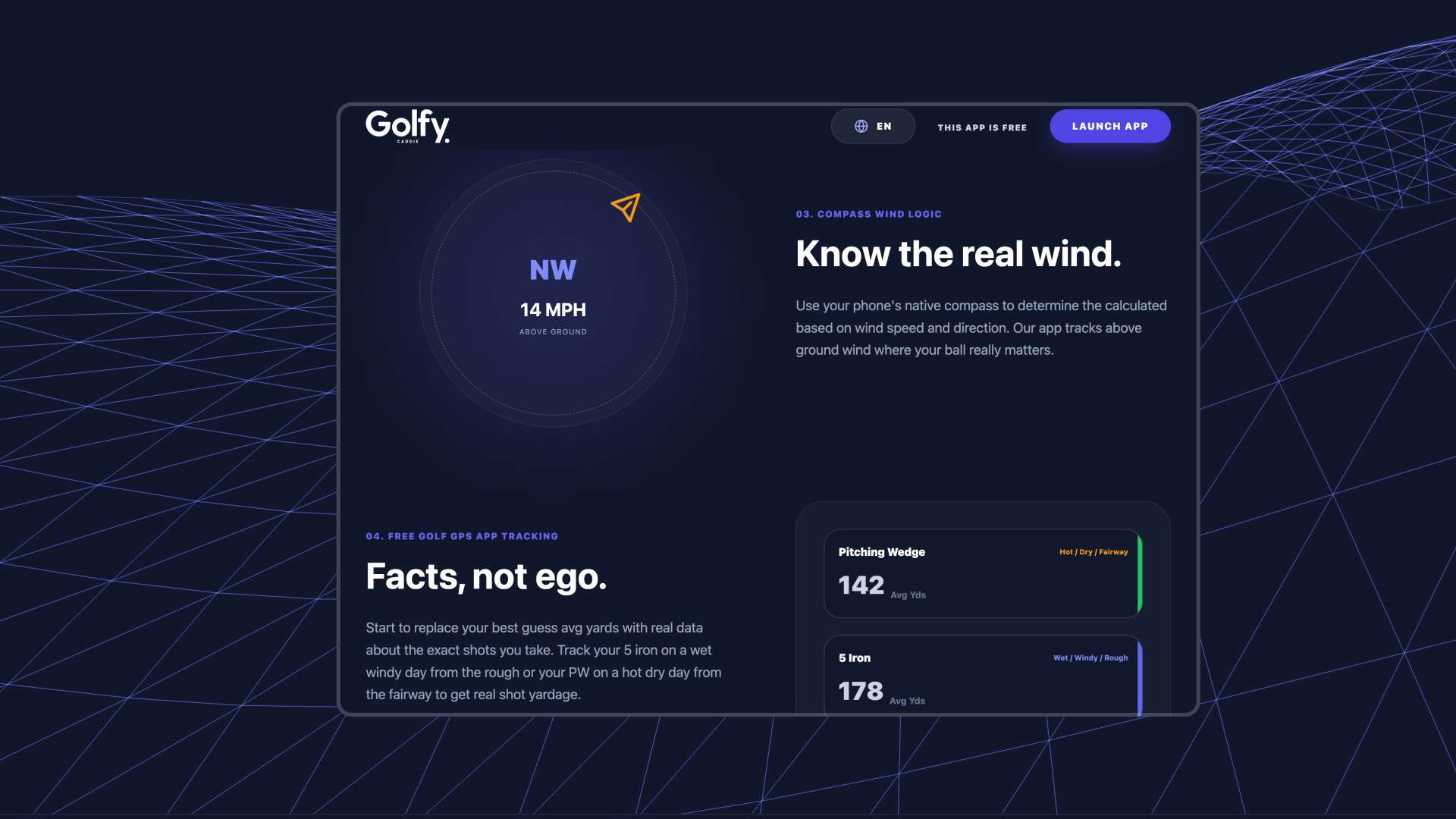
Many UK golf courses have dead spots where mobile signal drops out completely. An unrefined prototype will simply freeze or lose a player’s scorecard when 4G disappears. We engineered Golfy Caddie so course coordinates are cached at the start of the round and scores save locally on the device first, syncing quietly to the cloud once the player is back in signal.
Many founders use AI tools to sketch out a working prototype of an idea, only to hit a wall when it comes to security, mobile performance, or turning that prototype into a maintainable WordPress website or web app. Bridging that gap is the exact focus of our Claude Code to Website service.
Taking the Codebase Through to Google Play
By building a clean, well-structured React codebase, we were able to launch Golfy Caddie both as a mobile web app and as a packaged Android app on the Google Play Store. If you have an early prototype you want to turn into a reliable production website or digital product, speak with our team in Liverpool.